How do I find and use cheat sheets?
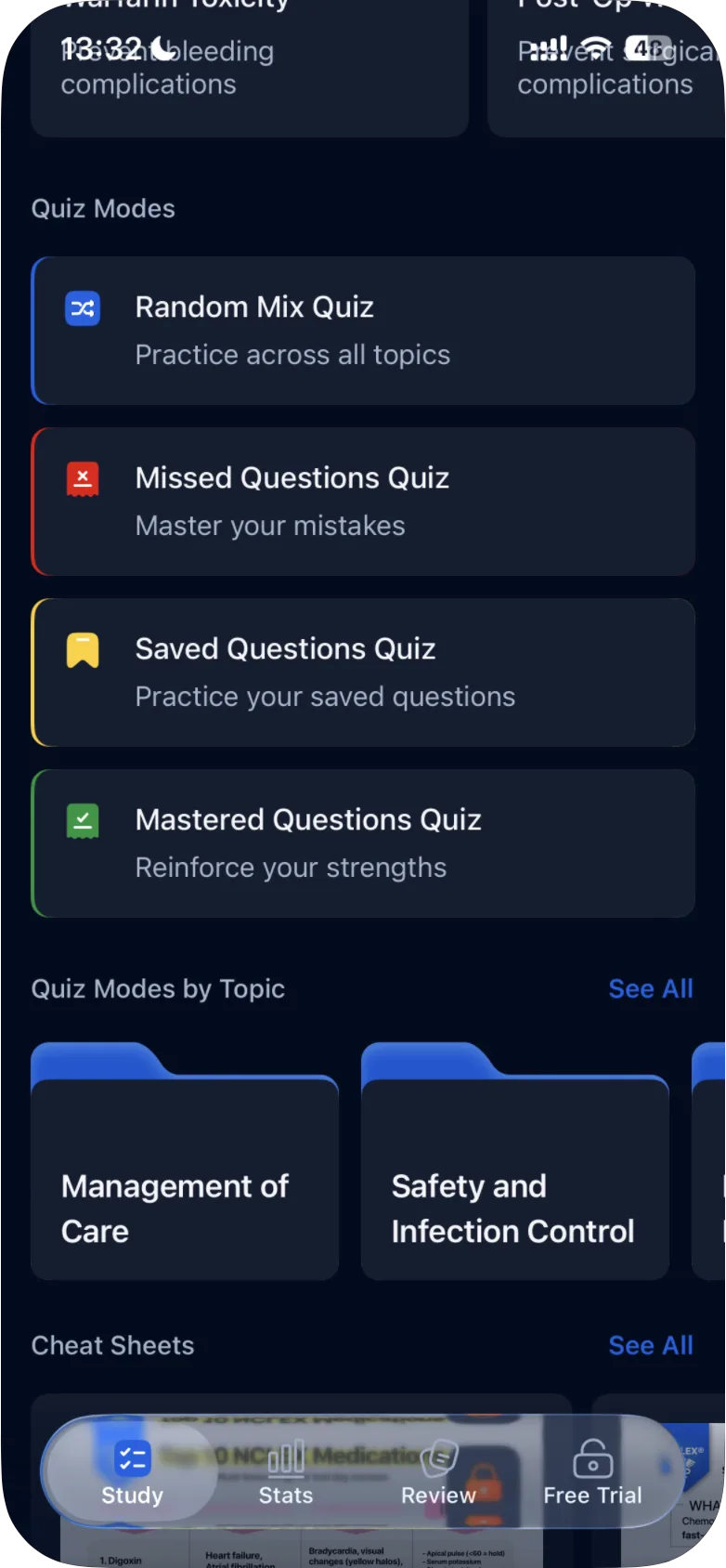
Cheat sheets are on the Study tab under Cheat Sheets. Tap See All for the full list, open a sheet full screen and zoom in to read the details.
Updated · iOS and Android
Cheat sheets are visual summaries of NCLEX topics, such as Top 10 NCLEX Medications ("Must-know drugs for test day success") or Chemotherapy ("Side effects, red flags & what nurses must know").
Find them
- Open the Study tab and scroll down to Cheat Sheets, the last section.
- Tap See All to open the full list, All Cheat Sheets.
Each card shows a preview of the sheet, its title and a one-line subtitle. Other titles in the list include Electrolyte Imbalances Must-Know, IV Fluids, ABG Made Easy – Interpret in Seconds, Cardiac Meds by Class, Delegation Made Easy: RN vs LPN vs UAP and Developmental Milestones (0–12 Months).
Open and read a sheet
- Tap a card. The sheet opens full screen, under the title Cheat Sheet.
- Zoom in on the image to read the details.
The screen also has a share button.
iOS
In the iPhone app, the Cheat Sheet screen has a back arrow in the top-left corner and a share icon in the top-right corner. There is no download button on this screen: a sheet is saved from the All Cheat Sheets list, see how to download cheat sheets for offline use.
Without a subscription
Without a subscription, cheat sheets show a lock. In the Android app, tapping a locked sheet opens the subscription screen. The subscription screen lists them as a "Special gift to boost your prep: NCLEX® Cheat Sheets". See what is included in Premium.
To read cheat sheets without an internet connection, see how to download cheat sheets for offline use.
Was this helpful?
Related questions
- Study & MaterialsHow do I download cheat sheets for offline use?Cheat sheets are saved inside the ExamReady app, not as files on your phone. You can read them offline while your Premium subscription is active.
- Subscription & BillingWhat is included in Premium?Premium gives full access to the question bank, NGN case studies, quiz modes, stats and Game Mode. What changes in the app, the two plans and their prices.
- Quizzes & Study ModesWhat quiz modes are available in ExamReady?The Quick 10, Question of the Day, Game Mode, case studies and four quiz modes (Random Mix, Missed, Saved, Mastered), for all topics or one topic.